Your cart is empty
Looks like you haven't added anything to your cart yet


Best Print Settings for eSUN PLA Basic Refill Filament
When it comes to reliable everyday 3D printing, PLA Basic remains one of the most popular filament choices among makers. With the introduction of the eSUN PLA Basic Refill, users can now enjoy the same easy-to-print material while reducing plastic waste by using reusable spools like the eSUN eSpool+ 2.0.
To help you get the best results, this guide covers the optimal print settings, tuning tips, and practical advice for printing with **eSUN PLA Basic Refill filament.
Why Choose eSUN PLA Basic Refill?
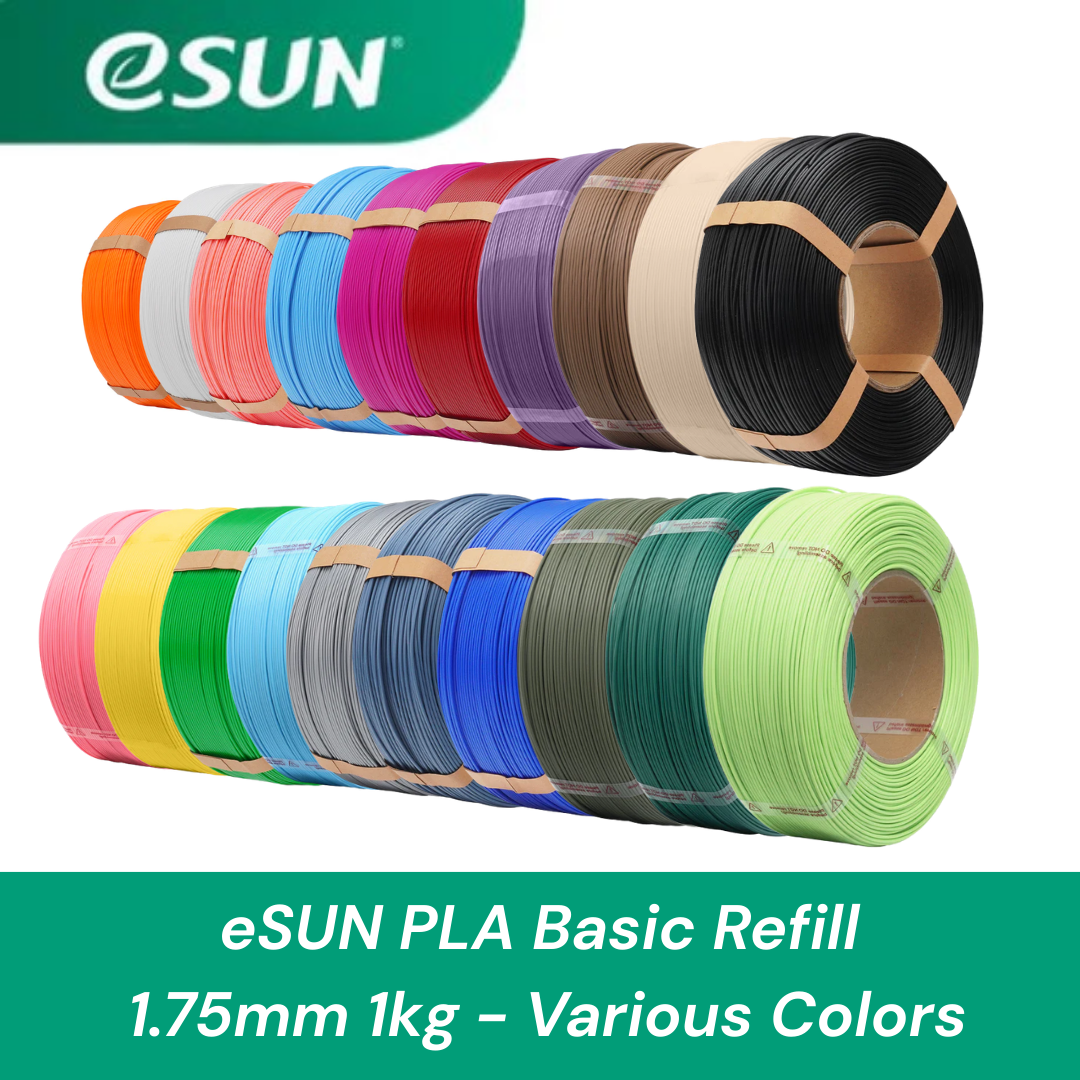
The eSUN PLA Basic Refill 1.75 mm is designed for consistent everyday printing and works well for both beginners and experienced users.
Key advantages include:
- Smooth extrusion and reliable flow
- Minimal warping during printing
- Good dimensional accuracy
- Easy compatibility with most FDM printers
- Eco-friendly refill system when used with reusable spools
This makes it ideal for prototypes, functional parts, toys, and decorative models.
Recommended Print Settings
For most FDM printers, the following settings will produce excellent results.
Nozzle Temperature
200 °C – 215 °C
This temperature range allows smooth extrusion while maintaining strong layer bonding.
Tip:
If your prints show weak layer adhesion, increase the temperature slightly.
Bed Temperature
50 °C – 60 °C
PLA generally adheres well to most build plates, but a heated bed helps improve first-layer reliability.
Best build surfaces:
- PEI sheets
- Textured plates
- Glass with glue stick
Print Speed
40 – 120 mm/s
PLA Basic performs well across a wide range of speeds.
Typical settings:
- Outer wall: 40–60 mm/s
- Inner wall: 60–100 mm/s
- Infill: up to 120 mm/s
Layer Height
0.12 – 0.28 mm
Lower layer heights improve detail, while higher layer heights allow faster prints.
Common choices:
- 0.12 mm – high detail
- 0.20 mm – balanced quality and speed
- 0.28 mm – fast functional prints
Cooling Fan
100% after the first few layers
PLA benefits from strong cooling, which helps achieve crisp overhangs and sharp details.
Print Quality Examples
The following examples show the type of models you can achieve with eSUN PLA Basic Refill.


From left to right, the printed models demonstrate:
- Character figurines
- Decorative display models
- Toy figures
- Mechanical models
These examples highlight PLA’s ability to handle fine details, smooth surfaces, and colorful creative designs.
Tips for Better PLA Prints
1. Use Proper First-Layer Calibration
A well-calibrated first layer ensures good bed adhesion and prevents print failures.
2. Keep Filament Dry
Although PLA absorbs less moisture than some materials, storing filament in a sealed container or dry box helps maintain consistent print quality.
3. Use a Reusable Spool System
The refill format works perfectly with reusable spool systems such as the eSUN eSpool+ 2.0, allowing you to mount the refill coil securely while reducing plastic waste.
4. Adjust Retraction Settings
Typical PLA retraction settings:
- Direct drive: 0.8 – 1.5 mm
- Bowden: 3 – 5 mm
This helps reduce stringing between printed features.
Final Thoughts
The eSUN PLA Basic Refill 1.75 mm is an excellent choice for everyday 3D printing. With reliable extrusion, good surface quality, and compatibility with reusable spools like the eSUN eSpool+ 2.0, it offers a great balance of performance, sustainability, and affordability.
By following the recommended settings above, you can achieve clean, detailed prints across a wide range of models.
- Choosing a selection results in a full page refresh.